
Monero Wallet Guide: Best XMR Wallets Compared (2026)

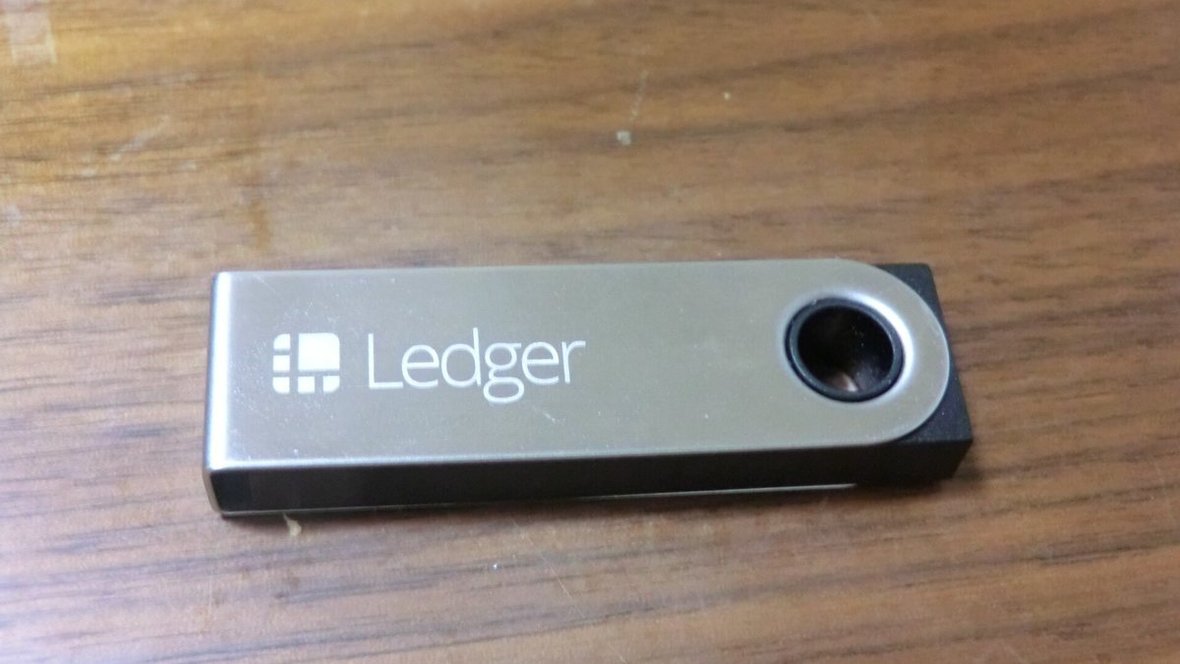
A Monero wallet is the software or device that holds the keys you need to send and receive Monero (XMR). The official choices are the Monero GUI and CLI wallets, version 0.18.5.3 on October 9, 2026, and the official downloads page also lists mobile wallets such as Cake Wallet, Feather and Monerujo, plus Ledger and Trezor hardware wallets for cold storage. Pick by device, by how much you hold, and by how much privacy you want from the node you connect to.
Key takeaways
- For desktop, start with the official Monero GUI wallet. Its Simple mode connects to a remote node so you can use it right away.
- For larger amounts, use a supported Ledger or Trezor with the GUI, CLI or Feather, so your keys stay on the device.
- Your 16 or 25 word seed is the whole wallet. Anyone who has it can spend your XMR.
What is a Monero wallet?
A Monero wallet stores the information needed to send and receive XMR. According to the Monero Project, the wallet software also keeps a private history of your transactions and can cryptographically sign messages. Your coins stay on the Monero blockchain; the wallet holds the keys that control them.
Every wallet has two kinds of key. The spend key moves funds. The view key only reveals incoming transactions, so you can let someone see payments to you without giving them the power to spend.
Which Monero wallets are available?
The table below lists the wallets named on the official getmonero.org downloads page on October 9, 2026. The Monero Project notes that the mobile and light wallets are not managed by the core team, so research each one before you trust it with funds.
| Wallet | Type | Platforms | Notes |
|---|---|---|---|
| Monero GUI | Official desktop | Windows 64-bit, Linux 64-bit, macOS Intel and ARM | Simple mode uses a remote node; can run a local node and solo mine |
| Monero CLI | Official command line | Windows, macOS, Linux (including ARM and RISC-V), Android, FreeBSD | Can use a remote bootstrap node while it downloads the chain |
| Cake Wallet / Monero.com | Community, local sync | See the wallet’s own site | Works with Ledger |
| Feather | Community, local sync | See the wallet’s own site | Works with Ledger and Trezor |
| Monerujo | Community, local sync | See the wallet’s own site | Works with Ledger |
| ANONERO, Monfluo, Stack Wallet, Unstoppable Wallet | Community, local sync | See each wallet’s own site | Listed by the Monero Project without endorsement |
| Edge | Community, remote sync | See the wallet’s own site | Listed under remote synchronization |
Which hardware wallets support Monero?
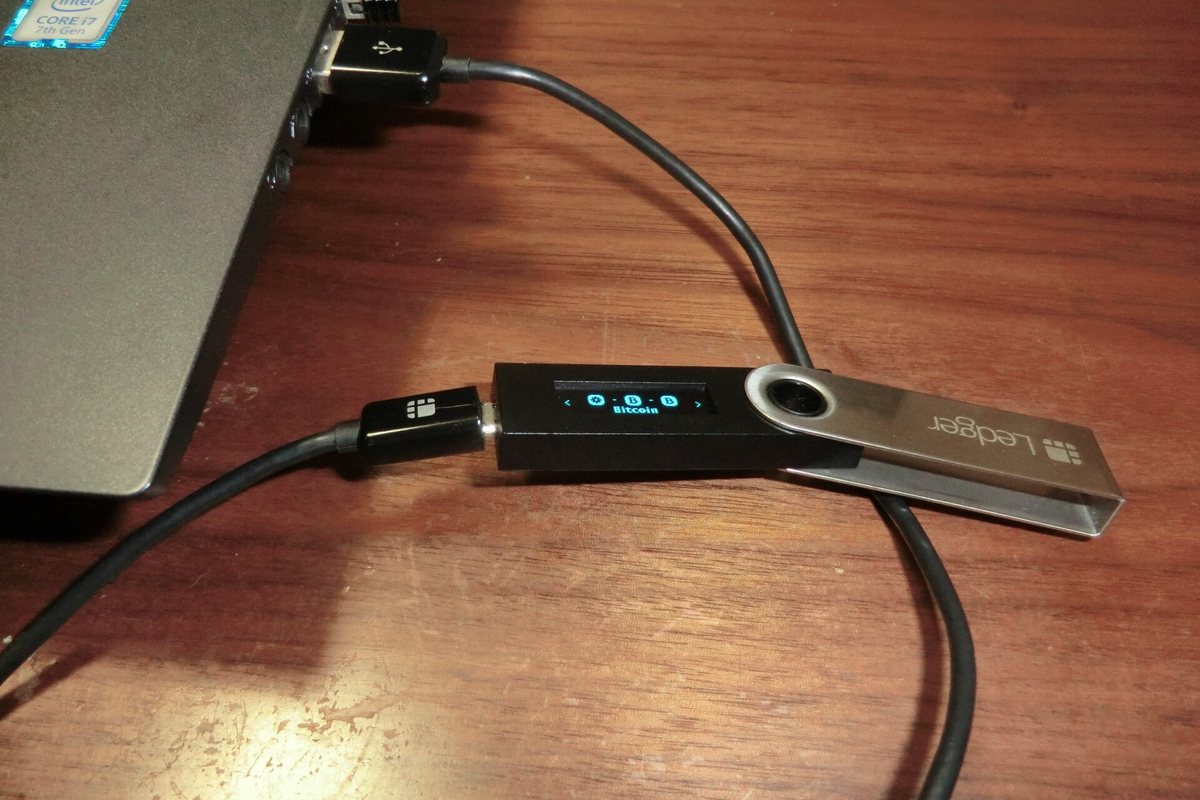
Ledger and Trezor both make devices that work with Monero. A hardware wallet keeps the keys on the device, and the getmonero.org downloads page lists which models and firmware versions work and which wallet apps can talk to them.
| Device | Minimum firmware | Works with |
|---|---|---|
| Ledger Nano S | 2.1.0 | Monero GUI, Monero CLI, Cake Wallet / Monero.com, Feather, Monerujo |
| Ledger Nano S Plus | 1.0.3 | Monero GUI, Monero CLI, Cake Wallet / Monero.com, Feather, Monerujo |
| Ledger Nano X | 2.0.2 | Monero GUI, Monero CLI, Cake Wallet / Monero.com, Feather, Monerujo |
| Trezor Model T, Safe 3, Safe 5 | 2.5.2 | Monero GUI, Monero CLI, Feather |
Other Trezor models are not on the list, so check your exact device before buying one as an XMR wallet.
Hot wallet or cold wallet: which do you need?
A hot wallet is connected to the internet. It is convenient for spending, but the Monero Project says its security is much lower than a cold wallet. A cold wallet is created and kept offline. As soon as a cold wallet’s seed or spend key is typed into an internet-connected device, it should be treated as hot.
A simple split works for most people: a phone or desktop wallet for small, everyday amounts, and a hardware wallet or offline wallet for savings. The Monero Project’s own advice is not to keep more in a hot wallet than you can afford to lose.
How to set up the official Monero GUI wallet
- Download the GUI from getmonero.org and verify the download before installing.
- Choose Simple mode to connect to a remote node, or set the wallet up with your own local node.
- Create a new wallet and write down the mnemonic seed on paper. Store it somewhere safe and offline.
- Set a wallet password. Remember that the seed, not the password, is what restores the wallet on another device.
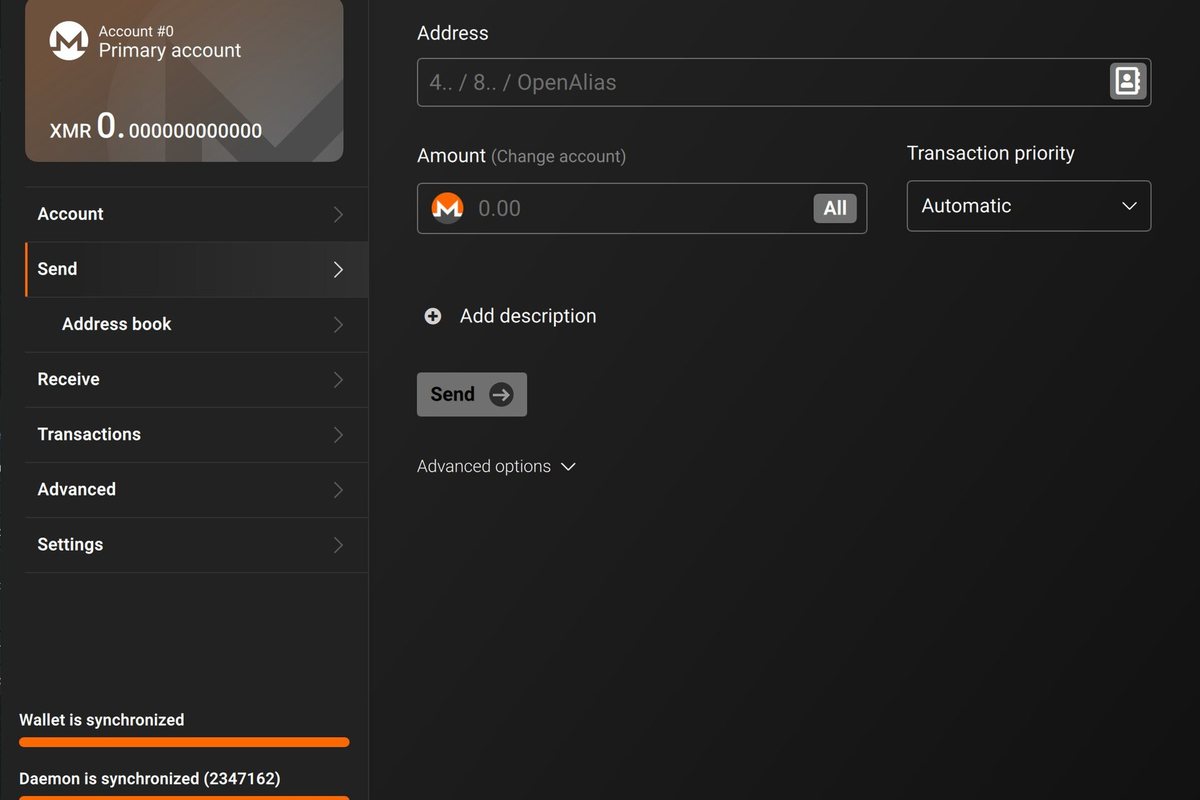
- Wait for the wallet to sync, then open Receive and create a new subaddress for your first payment.
If you run your own node, the full blockchain was about 225GB in 2024 according to the Monero FAQ. Pruning cuts the download to about a third, around 86GB.
Remote node or your own node?
A remote node is quicker to start with, but it has a privacy cost. The Monero FAQ says a remote node operator can see the IP address a transaction comes from. Running your own node avoids that. If you do use a remote node, the FAQ suggests Tor, I2P or a VPN to reduce the risk. Even with a remote node, the wallet still has to fetch every output, which can take several hours on the first sync.
How do Monero seeds, view keys and subaddresses work?
- Seed: 16 or 25 words that back up and restore the wallet. The 25 word seed used by the official wallet encodes the private spend key, and the view key is derived from it. The 16 word format also stores the wallet’s restore height.
- View key: shows every incoming transaction to an address. The Monero Project warns that outgoing transactions cannot be reliably seen with it, so a balance shown through a view key should not be relied on.
- Subaddresses: the address type the Monero docs say you should use by default to receive XMR. A new subaddress for each payment tells you who paid you and stops a payer from easily linking your payouts. It is not perfect protection; full separation needs a separate seed.
Mining to your own wallet? Our guide to mining Monero explains why pools and P2Pool ask for your primary address, the one that starts with 4. For a wider view of privacy tools, read our guides to wallets that protect your identity, staying anonymous while trading crypto and the best crypto wallets for other coins.
Common mistakes with Monero wallets
- Storing the seed in a screenshot or cloud note. Anyone who reads it controls your funds.
- Reusing one address for everything. Create a subaddress per payer or payment.
- Buying an unsupported hardware wallet. Check the model and firmware against the official list first.
- Downloading wallets from search ads or random links. Start from getmonero.org.
Want the background first? Read what a privacy coin is and how it works.
FAQ
What is the best Monero wallet?
For most desktop users, the official Monero GUI wallet is the safest starting point because it comes from the Monero Project itself. For larger balances, pair it with a supported Ledger or Trezor device. The official downloads page also lists community wallets such as Cake Wallet, Feather and Monerujo.
Is there an official Monero mobile wallet?
No. The official wallets are the GUI and the CLI. The Monero Project lists community mobile wallets on its downloads page but notes they are not managed by the core team.
Can I store Monero on a Ledger?
Yes. The Ledger Nano S, Nano S Plus and Nano X support Monero with the right firmware, and work with the Monero GUI, CLI, Cake Wallet, Feather and Monerujo.
How many words is a Monero seed?
A Monero mnemonic seed is either 16 or 25 words. The official wallet uses 25 words. Either format can restore your wallet, so keep it offline and private.
Do I need to download the whole Monero blockchain?
No. The GUI’s Simple mode connects to a remote node. Running your own node is better for privacy, and pruning reduces the download to about a third of the full chain.
Sources
